

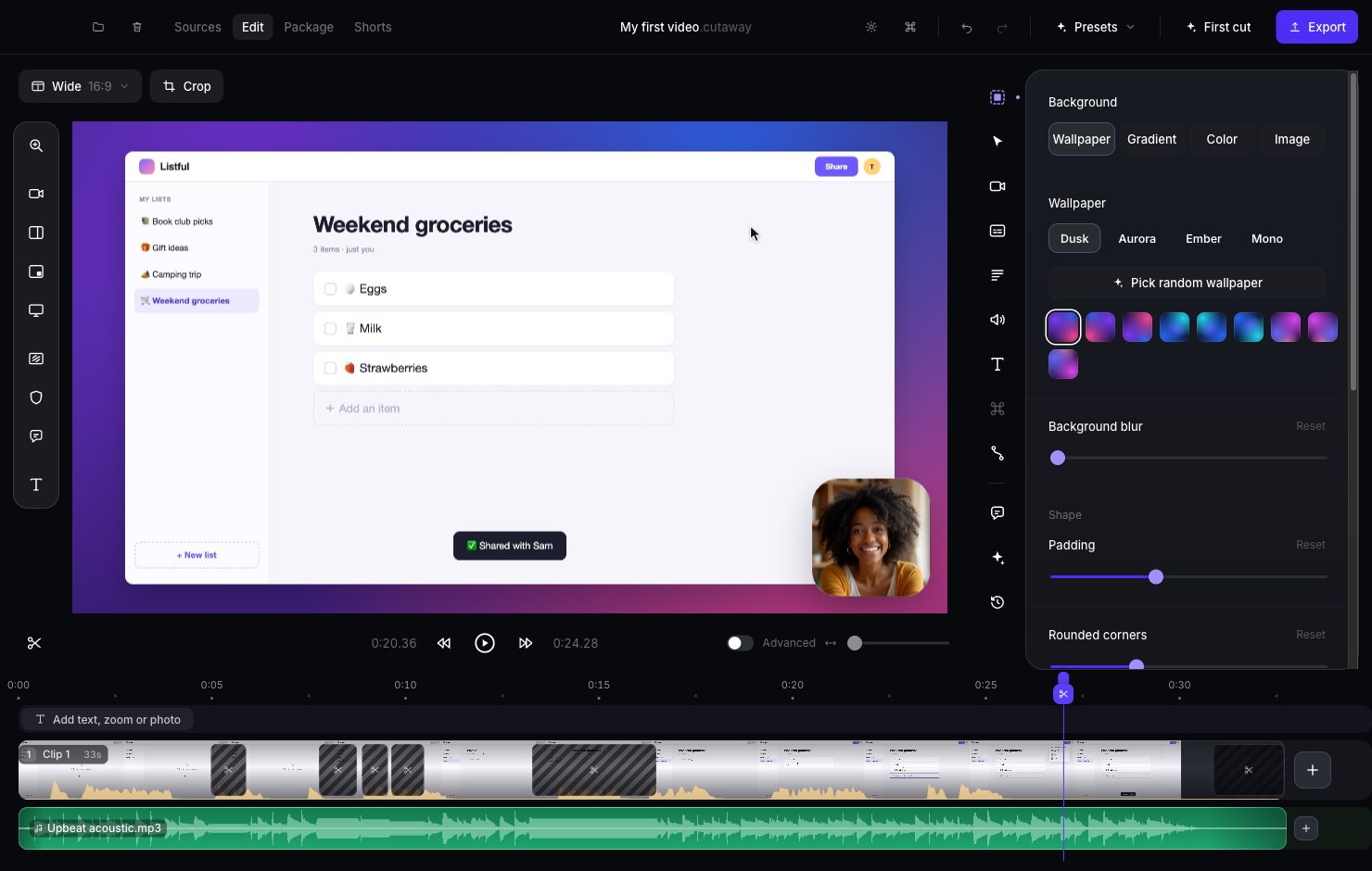
What is Cutaway?
Cutaway is a Mac app for making videos, like a how-to video for YouTube. You do three things:- Record. Cutaway records your screen, and your camera if you want.
- Let Cutaway make a first cut. It removes long pauses and “um”s for you, and puts everything together.
- Export. You get a video file you can upload anywhere.
Never edited a video before? You’re in the right place. These docs explain every step in plain words. If you see a word you don’t know, check Words to know.
Where to start
Quickstart
Make your first video in about 5 minutes.
Tutorials
Short videos that show you how, step by step.
Install Cutaway
Get the app and give it permission to record.
Words to know
Simple meanings for video words like “timeline” and “export”.
Good to know
- Your videos stay on your Mac. Recording, editing and exporting all happen on your computer. Nothing is uploaded.
- The AI helpers are optional. Cutaway works without them. If you want them, see Set up the AI helpers.
- You can’t break anything. Every change can be undone, and Cutaway never deletes your original recording.